Bounce Rate
Traffic Generator: set the share of sessions that leave from the landing page.

Behavioral factors are not a separate product. They are the settings every campaign carries: how many pages a session opens, how long it stays on each, how often it leaves on the first page and how often it comes back. Real browsers play them out on your site, and you pay the rate of the tool you run them in.
CREATE FREE ACCOUNT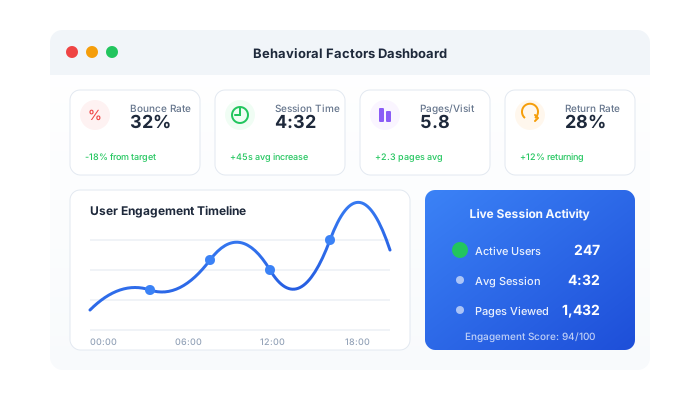
Behavioral factors are the engagement metrics a visit leaves behind. Analytics reports them, and search engines are known to look at some of them alongside relevance, links and many other signals.
Set them near what your site already records. Your analytics shows the baseline: bounce rate, average engagement time and views per session. Configuring far above it creates a second, unrelated pattern in your own reports.
All three tools continue the visit on your site; Traffic Generator gives you the full set
Traffic Generator: set the share of sessions that leave from the landing page.
Traffic Generator: up to 360 seconds per page. SERP Clicks and Link Clicker: up to 120 seconds per page after the click.
All three tools: from one to five pages per session.
Traffic Generator: set the share of sessions that come back as a known visitor.
All three tools: spread the volume across the day or concentrate it in chosen hours, in your timezone.
In Traffic Generator a longer session costs more, from $0.0015 per session. In SERP Clicks and Link Clicker the click price stays the same.
Acceptable use, data handling and the limits that apply to every tool are in the Trust Center
Direct, referral and social sessions with the full set of settings
from$0.0015/session
Start with Traffic GeneratorA search click on your keyword, followed by a visit
$0.09/click
Start with SERP ClicksA click on your backlink, followed by a visit
$0.003/click
Start with Link ClickerTraffic Generator for direct, referral or social sessions, from $0.0015 per session with the rate following session duration. SERP Clicks for search clicks on a keyword, at $0.09 per click. Link Clicker for clicks through your backlinks, at $0.003 per click. Engagement settings cost nothing extra in any of them.
The engagement metrics a visit leaves behind: bounce rate, time on page, page depth, returning visitors and, for search, click-through rate. Here they are the settings of a campaign, not a separate service.
No. You pay the rate of the tool: from $0.0015 per session in Traffic Generator, where a longer session costs more, $0.09 per click in SERP Clicks and $0.003 per click in Link Clicker.
Start from your own analytics. Note the bounce rate, average engagement time and views per session your site already records and configure the campaign close to them.
Yes. Real browsers run your tracking code, so the pages viewed, the time spent and returning visits are recorded like any other session, and your server logs show the same requests.
There is no guarantee that it will. Engagement is one input among many, search engines discount signals they judge to be artificial, and the effect varies by site, query and engine.
Countries, chosen in the tool you run the campaign in. The Locations page lists them by tool. Need a country that is not listed? We can add it on request, ask support.
A CTR bot on real browsers: it searches your keyword on Google, Bing or Yandex, finds your listing and clicks it, at $0.09 per click
$0.09/click
Backlink activation: real browsers open pages that link to you and click through to your site, at $0.003 per click
$0.003/click
Pick the tool, copy your current engagement numbers into the settings, and run a modest volume first